How to brick your phone (on purpose)
Lately, I have been getting a ton of ads for a device called Brick, which is a physical device that temporarily removes distracting apps & their notifications from your phone. The way it works is simple: the only way to unlock your apps is to scan the NFC tag inside your Brick. This means that you need to physically move towards your Brick to be able to doomscroll, and hopefully abandon that idea.
I really like this product, and I had a Lilygo ESP32 T-Display S3 (an ESP32 microcontroller with a small LCD screen soldered to it) sitting in a drawer, so I figured I could make my own.
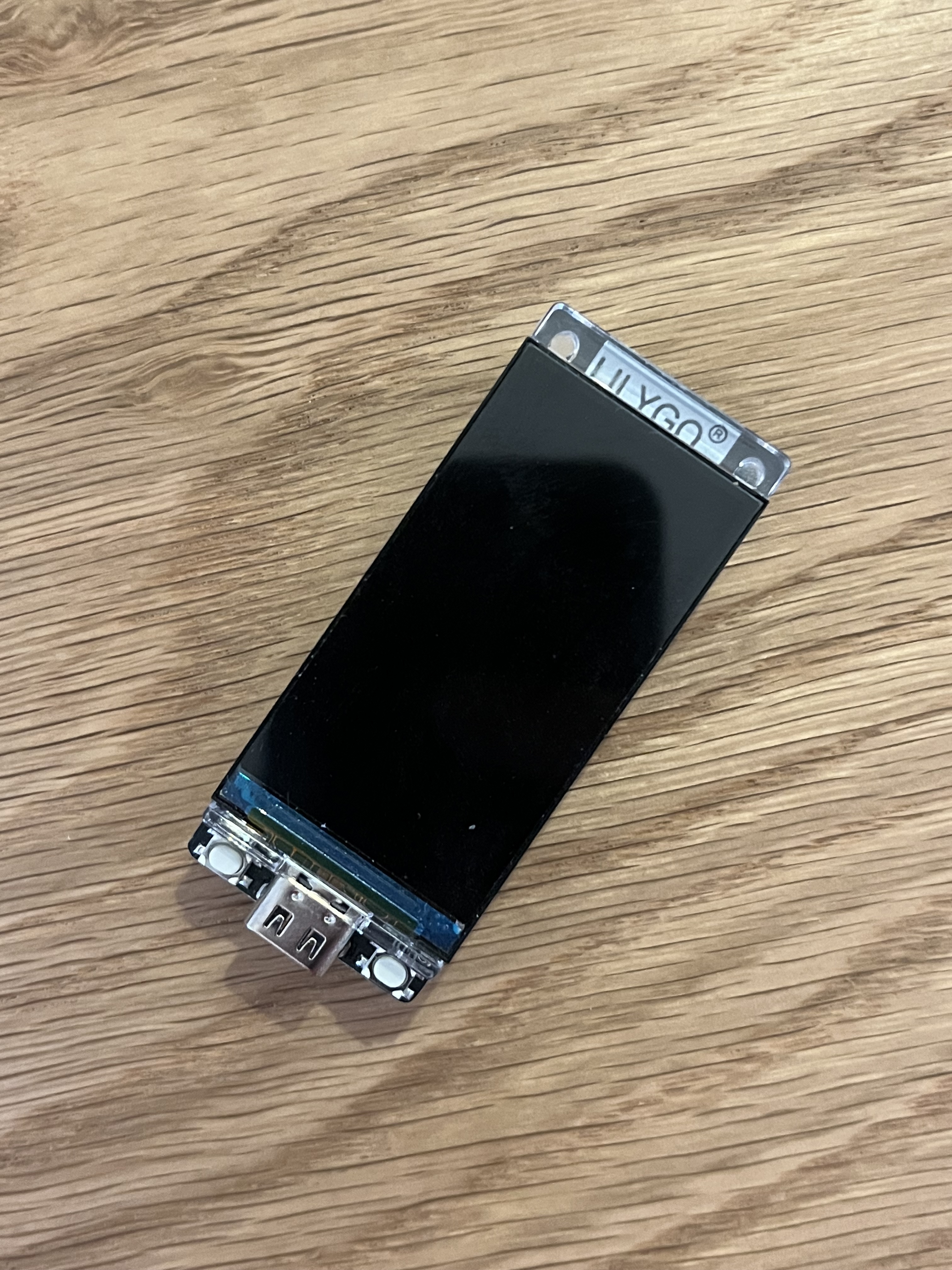
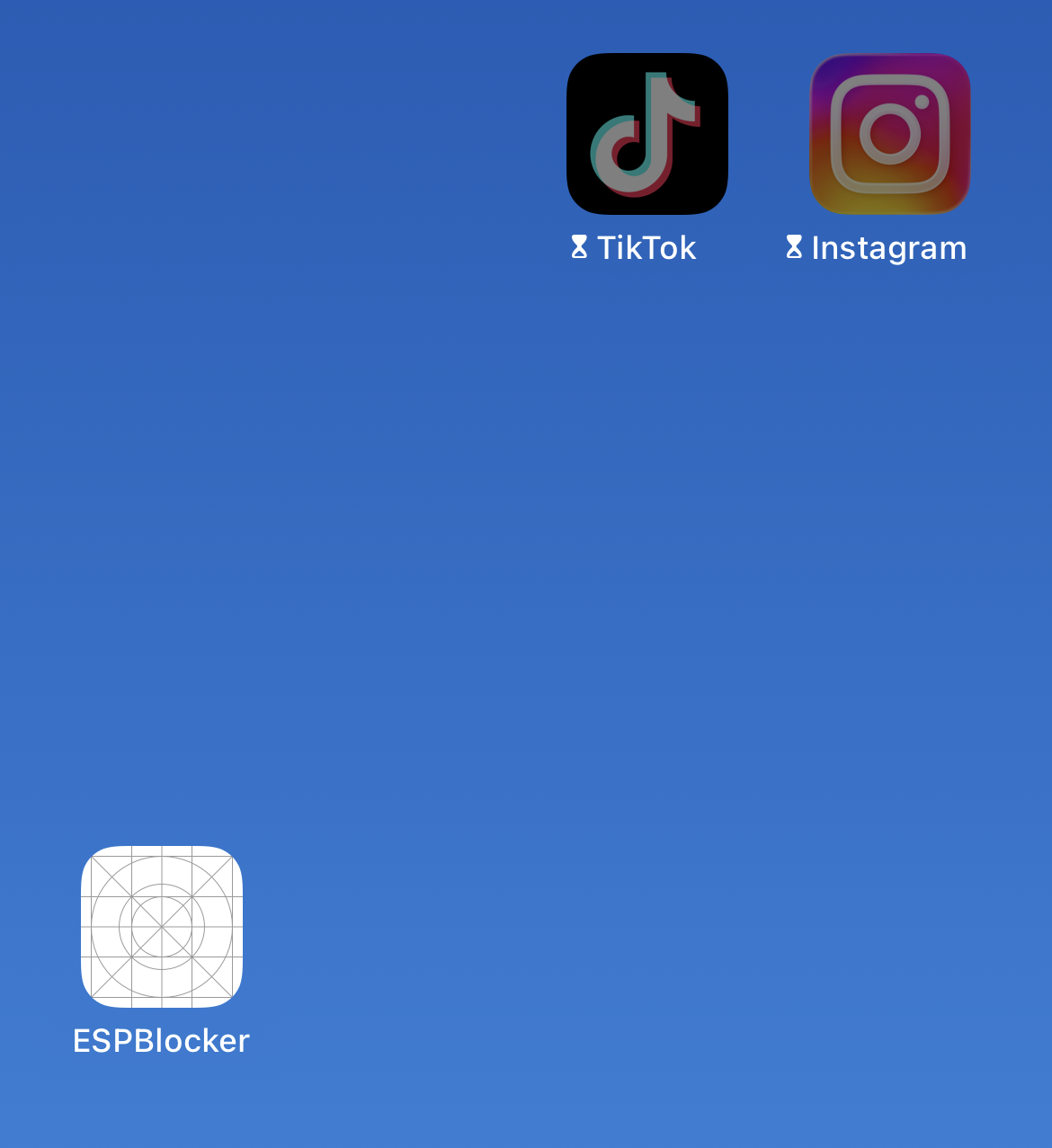
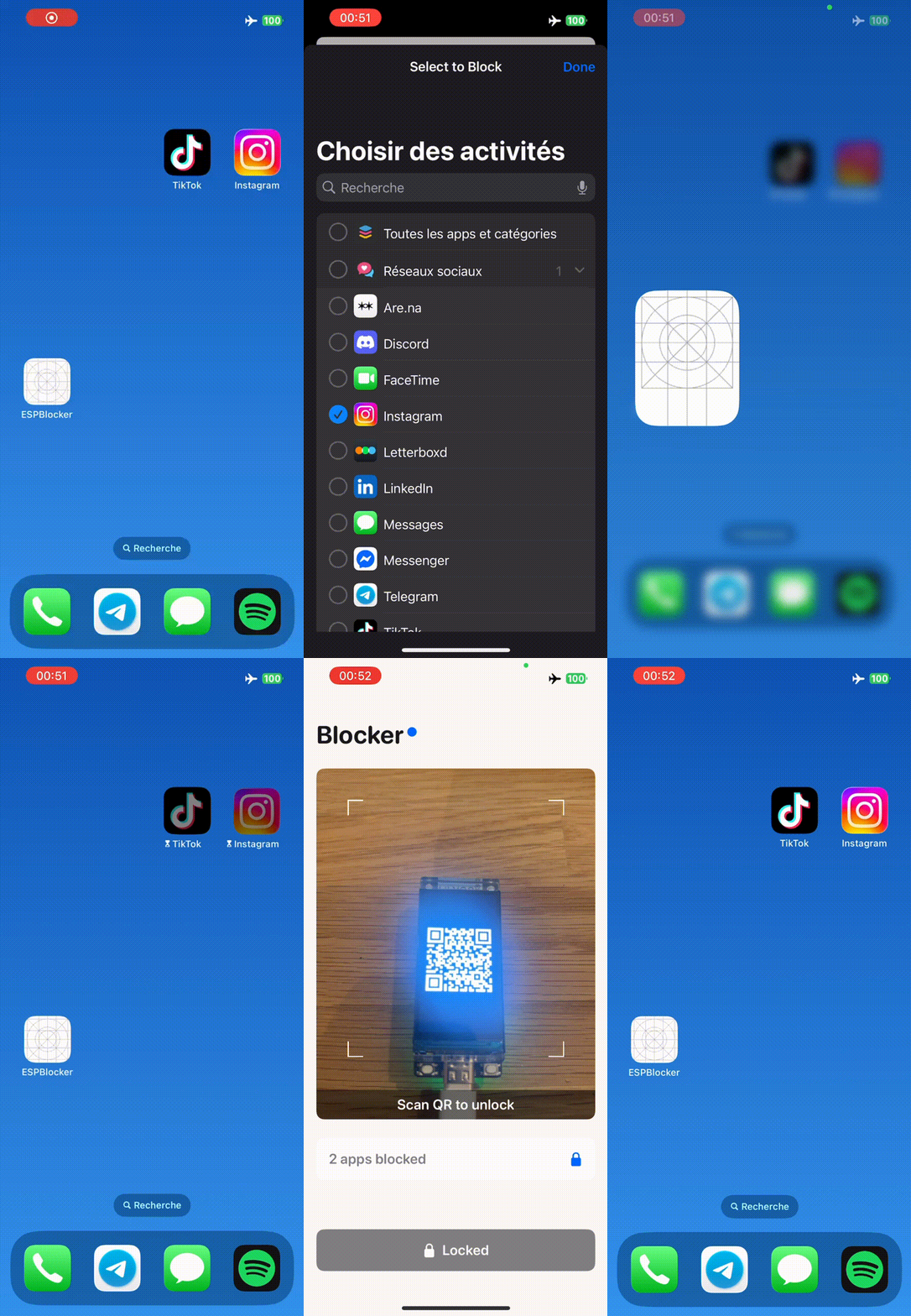
The idea is to make a simple iOS app that blocks my distracting apps (X, YouTube, Instagram, …), and unblocks them only if I am physically close to the ESP32. However, the ESP32 does not contain any NFC tag, so I had to figure another method. The only requirement for this device is to make sure that the user can not cheat in any way, meaning they have to be close to the ESP32 in order to unlock their phone.
A first approach could be to use Bluetooth: unlock the apps when the phone connects to the ESP32. I quickly dismissed this for two reasons:
- Range: Bluetooth works through walls, so you could just unlock from another room.
- Complexity: Bluetooth pairing is error-prone, and I didn’t want to spend more than a few hours on this.
Since my ESP32 has a screen, I chose to display a QR code that the user scans to unlock. The QR code has to change over time, otherwise you could just take a photo of the screen and cheat.
We don’t want to manage any networking between the phone and the ESP32. So, how can the phone validate a code without ever talking to the device?
I found about TOTP (Time-based One Time Password), the algorithm behind authenticator apps. Both devices share a secret key and a clock, and independently generate the same short-lived 6-digit code (typically valid for 30 seconds). In our case, that 6-digit code is displayed as a QR code. When the user scans the QR code, the phone compares it to its own generated code and unlocks if they match.
The only tradeoff this design has is that the ESP32 has to be connected to the Internet when booted, in order to sync its clock.
TOTP deep dive #
All snippets in this section are only from the ESP32 side (C++), but the iOS app (Swift) mirrors this logic, in the TOTPVerifier module.
Aside from sharing this project, this post was also an excuse for me to learn about the TOTP algorithm, which turns out to be quite simple.
TOTP stands for Time-based One Time Password (RFC 6238). It builds on top of an older algorithm called HOTP (HMAC-based One Time Password, RFC 4226), which generates codes from a shared secret and a counter. TOTP simply derives that counter from the current time, so both devices can compute the same code without ever talking to each other.
TOTP can be summed up in two steps:
- Compute a hash from the shared secret and the current time. In this step, we don’t actually use the raw Unix timestamp, but a counter based on a time step (in our case, a counter that increments every 30 seconds).
- Extract a 6-digit number from that hash: this is our final code. That 6-digit code can then be turned into a QR code.
In what follows, all snippets are from this repo where I shared both the code used on the ESP32 and on the iOS app.
Step 1: Time → Counter #
First, we turn the current Unix timestamp $t$ into a counter:
$$ C = \left\lfloor \frac{t - T_0}{\tau} \right\rfloor $$
where $T_0$ is usually 0 (the Unix epoch) and $\tau$ is the time step, typically 30 seconds. This means the counter increments once every 30 seconds, and both devices will agree on its value as long as their clocks are in sync.
On the ESP32 (C++), this translates to this:
#define TOTP_TIME_STEP 30

uint64_t timeCounter = now / TOTP_TIME_STEP;

// Convert time step to big-endian bytes
uint8_t timeBytes[8];
for (int i = 7; i >= 0; i--) {
    timeBytes[i] = timeCounter & 0xFF;
    timeCounter >>= 8;
}
Why big-endian? #
The counter is a 64-bit integer, but note how we convert it to big-endian bytes before doing anything. Why? Because the hash function operates on bytes directly, and different CPU architectures may store integers differently. Little-endian machines store the least significant byte first, whereas big-endian machines store the most significant byte first.
For example, counter 1234 (hex 0x4D2) becomes:
- Big-endian:
00 00 00 00 00 00 04 D2 - Little-endian:
D2 04 00 00 00 00 00 00
If both devices just dumped their native integer representation into the hashing function, they might hash completely different byte sequences and produce different codes. By explicitly converting to big-endian on both sides, we guarantee they hash the same input. More on endianness.
Step 2: Hashing #
Next, we need to combine the counter and the shared secret $K$ into a hash. The official TOTP spec (RFC 6238) calls for HMAC-SHA1, which is a keyed-hash message authentication code. HMAC adds an extra layer of security by processing the key in a specific way that protects against certain cryptographic attacks.
However, for this project I took a shortcut: instead of HMAC-SHA1, I simply concatenate the secret and the counter and hash them directly with SHA1:
$$ H = \operatorname{SHA1}(K || C) $$
Why deviate from the RFC? Because the security requirements here are basically non-existent. What’s the worst that could happen if someone “breaks” my app blocker? The only potential attacker is my future self trying to cheat. And if I’m determined enough to cryptanalyze my own SHA1 implementation, maybe I’ve earned my screen time…
One could even ask: why bother using a private key at all? Why not just hash the Unix timestamp, or even simply display it without hashing? The answer is simple: it’s to make sure every user has its own private key, and therefore their own QR code, meaning that I can’t unlock my phone using someone else’s QR code (that’s cheating!).
Step 3: Dynamic truncation #
SHA1 outputs 20 bytes, which translates to a 40-character hex string. We need to shrink it to a human-friendly 6-digit code.
In our case, since we’re asking the user to scan a QR code instead of typing a code, we could simply display the whole 20 bytes of the SHA1 output as a QR code and call it a day. I kept the dynamic truncation for fun.
Simply taking hash % 1000000 would work, but that always uses the same bytes. If you always extract the first 4 bytes, an attacker observing many codes might correlate them and learn something about the hash.
Again, not a real issue in our case.
By using the last nibble of the hash to pick the offset, the extraction point varies pseudo-randomly. Different codes reveal different “slices” of the hash, making it harder to build a useful picture from many observations.
We use the last byte to pick an offset:
$$ o = H_{19} \bmod 16 $$
Then we grab 4 bytes starting at that offset and assemble them into a 31-bit integer (the top bit is masked off to avoid sign issues):
$$ S = 2^{24}(H_o \bmod 128) + 2^{16}H_{o+1} + 2^8 H_{o+2} + H_{o+3} $$
Finally, we take the last 6 digits:
$$ \text{OTP} = S \bmod 10^6 $$
If the result has fewer than 6 digits, we left-pad with zeros. And that is the whole algorithm.
Putting it all together #
Here is what it looks like in C++ on the ESP32:
uint32_t generateTOTP(uint64_t timeStep) {
    // Convert time step to big-endian bytes
    uint8_t timeBytes[8];
    for (int i = 7; i >= 0; i--) {
        timeBytes[i] = timeStep & 0xFF;
        timeStep >>= 8;
    }

    // Compute SHA1
    uint8_t hash[20];
    mbedtls_sha1_ret(input, sizeof(input), hash);

    // Dynamic truncation
    int offset = hash[19] & 0x0F;
    uint32_t code = ((hash[offset] & 0x7F) << 24) |
                    ((hash[offset + 1] & 0xFF) << 16) |
                    ((hash[offset + 2] & 0xFF) << 8) |
                    (hash[offset + 3] & 0xFF);

    return code % 1000000;
}
Dealing with time #
As I mentioned, the ESP32 syncs its clock via WiFi only at boot time. To account for any clock drift that could occur on the ESP32, the iOS side accepts $C-1$, $C$, and $C+1$ instead of a single counter:
func verify(_ code: UInt32) -> Bool {
    let currentCounter = UInt64(Date().timeIntervalSince1970) / timeStep

    // Check current and adjacent time steps
    for offset in -tolerance...tolerance {
        let counter = UInt64(Int64(currentCounter) + Int64(offset))
        if generateCode(for: counter) == code {
            return true
        }
    }
    return false
}
What if I don’t have an ESP32? #
If you want to use the app but don’t have an ESP32, I also made a simple static webpage that displays the QR code using the secret that’s hardcoded in the iOS app. Since it’s only a static HTML and JavaScript page, it could technically run on any web-capable device.
Code: GitHub repo